If you’re running a distribution or manufacturing operation and using SAP, you already know the problem: your ERP doesn’t live in isolation. It needs to talk to your CRM, your eCommerce platform, your warehouse system, and more. Middleware helps with that.
What Is SAP Middleware?
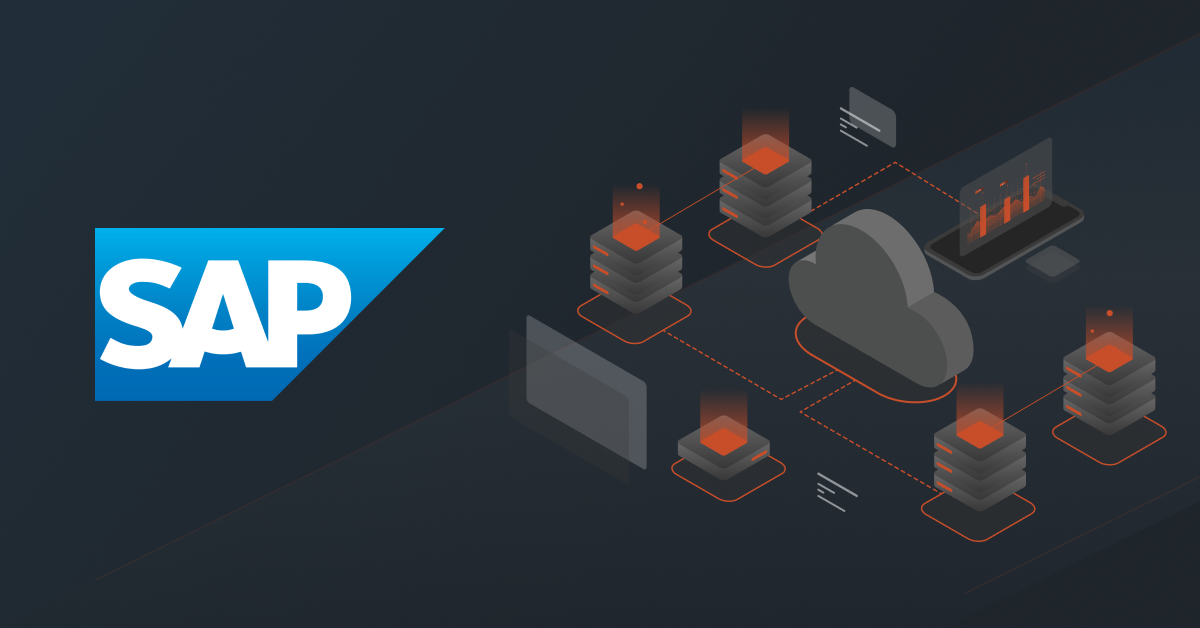
Middleware is software that sits between two or more systems and manages how they communicate. In an SAP context, it connects SAP to external platforms, syncing data, triggering workflows, and ensuring both sides stay in agreement without manual intervention.
Think of it as the translator and traffic controller for your tech stack.
Without middleware, teams resort to manual data entry, custom point-to-point integrations that break easily, or expensive development work every time something changes. With the right middleware in place, Salesforce becomes the live, accurate hub it’s supposed to be.
Related: ERP Middleware: All You Need To Know [+FAQs]
Top Salesforce Middleware Tools
1. MuleSoft Anypoint Platform
MuleSoft is Salesforce’s integration platform with deep SAP connectivity. It’s powerful and enterprise-grade, with a broad connector library, native SAP adapters, and strong API management capabilities.
Best for: Large enterprises with dedicated integration teams and complex, multi-system environments.
Drawbacks: High licensing cost, steep learning curve, and often overkill for mid-market distributors and manufacturers.
2. Boomi
Boomi is a mature iPaaS (Integration Platform as a Service) with a low-code interface and a large pre-built connector library. It handles B2B/EDI integrations well and has a solid track record in manufacturing.
Best for: Mid-to-large enterprises that need broad integration coverage across many systems.
Drawbacks: Pricing scales up quickly with usage. Setup still requires technical expertise, and support quality varies.
3. Jitterbit
Jitterbit targets the mid-market with a focus on speed of deployment. It offers pre-built integration templates and a visual design environment that lowers the technical barrier.
Best for: Organizations that want faster time-to-value than enterprise platforms offer.
Drawbacks: Less robust for complex, high-volume scenarios. Community and documentation are thinner than larger platforms.
4. Celigo
Celigo is built specifically for the iPaaS mid-market. It has strong connectors for NetSuite, Salesforce, Shopify, and common ERP systems, making it popular with eCommerce-adjacent distributors.
Best for: Companies running NetSuite as their ERP alongside Salesforce.
Drawbacks: Heavily NetSuite-centric. If your ERP is SAP or Oracle, the value proposition weakens.
5. DCKAP Integrator
DCKAP Integrator is purpose-built for distributors and manufacturers, not adapted from a generic iPaaS. That distinction matters.
It’s designed to handle the specific data relationships, business logic, and system combinations common in distribution and manufacturing: SAP as the ERP backbone; CRMs like Salesforce; and often a B2B eCommerce layer on top.
What sets it apart:
- Industry-centric design: The platform’s data models and pre-built connectors reflect how distribution and manufacturing businesses actually operate, not generic API plumbing.
- ERP-first approach: The platform prioritizes syncing systems to your ERP, ensuring it becomes a single source of truth for your business.
- No-code/low-code configuration: Business users and operations teams can manage and modify integrations without relying on developers for every change.
- Pre-built SAP connectors: Deep, tested integrations with SAP and other ERPs distributors use, reducing setup time and integration risk.
- Bidirectional sync: Orders, inventory, pricing, customer data, and more move in both directions: SAP to external systems and back, keeping both sides authoritative in their respective domains.
- Scalable for growth: Whether you’re adding a new product line, acquiring another company, or expanding channels, the platform is built to scale alongside the business.
Best for: Distributors and manufacturers who need a SAP-to-CRM or SAP-to-eCommerce integration that works out of the box for their industry, without the overhead of a generic enterprise platform.
Why Distributors and Manufacturers Need It
For distributors and manufacturers specifically, the data flow is complex. Orders come in through multiple channels. Inventory lives in SAP. Pricing rules shift by customer tier. Customer data needs to be consistent across sales, fulfillment, and finance.
The stakes of a bad integration are real: duplicate records, pricing errors, delayed shipments, and reps working off stale data. Middleware closes those gaps.
Common use cases in this space include:
- Syncing customer accounts and contacts between SAP and your CRM or eCommerce platform
- Pushing confirmed orders from your sales channels into SAP for fulfillment
- Pulling real-time inventory and pricing from SAP for accurate quoting
- Triggering automated workflows across systems based on order status or deal stage
Common Middleware Challenges
Even with the right tool, middleware implementations have predictable failure points. Know them going in.
Data quality issues
Middleware amplifies whatever is already in your systems. Duplicate customer records, inconsistent product codes, and missing field values in SAP or your connected platforms will cause problems downstream. Clean your data before you integrate it.
Scope creep during implementation
“While we’re at it” is the enemy of a clean go-live. Define exactly which objects, fields, and workflows you’re integrating in phase one, and hold that line.
Lack of clear ownership
Someone needs to own the integration, both technically and operationally. When an order doesn’t sync or a record is missing, there should be one person or team accountable for resolution.
Underestimating field mapping complexity
SAP and your connected systems were not built to agree on field names, data types, or validation rules. Mapping them correctly takes more time than most teams budget for.
No monitoring or alerting
Integrations break silently. Without logging, error alerts, and monitoring in place, you won’t know about a failure until a customer or rep surfaces it.
Best Practices
Start with the highest-impact data flow
Don’t try to integrate everything at once. Identify the one data sync that causes the most pain today, usually order status or account data, and nail that first.
Document your field mappings
Maintain a living document that captures what maps to what, including transformation logic and exception handling. This is a lifeline when something breaks six months from now.
Build in validation rules
Define what “good” data looks like at the integration layer and reject or flag records that don’t meet the standard, rather than letting bad data propagate.
Test with real data, not sample data
Edge cases in your actual data won’t appear in a clean test set. Run integration tests against a subset of production data before go-live.
Plan for failure
Define what happens when the integration goes down. Can reps still quote? Can orders still be processed manually? Having a fallback process prevents a technical issue from becoming a business stoppage.
Choose a vendor with industry experience
Generic iPaaS platforms are built for any use case, which means they’re optimized for none. For distributors and manufacturers, working with a vendor who understands your ERP, your order lifecycle, and your data model reduces risk and speeds time-to-value.
Conclusion
Middleware isn’t optional if you’re running SAP alongside a CRM or eCommerce platform as a distributor or manufacturer. The question isn’t whether you need it; it’s which tool fits your operation and how well it’s implemented.
Generic enterprise platforms like MuleSoft and Boomi have their place, but they come with cost and complexity that often exceeds what mid-market distributors and manufacturers need. Tools like DCKAP Integrator are built for this exact segment: purpose-built SAP connectors, industry-relevant data models, and a lower barrier to configuration and maintenance.
If your team is spending time manually syncing data between SAP and your other systems, or if you’ve outgrown a custom point-to-point integration, it’s worth evaluating a purpose-built platform designed for how your business actually works.
FAQs
What’s the difference between middleware and an API?
An API is a connection point that one system exposes so others can talk to it. Middleware sits above APIs and manages the orchestration: transforming data, handling errors, routing messages, and managing the logic of how two or more systems work together. Middleware uses APIs; it’s not the same thing. SAP exposes APIs (via BAPIs, IDocs, or REST); middleware is what connects and coordinates them with your other platforms.
What systems does DCKAP Integrator support alongside SAP?
DCKAP Integrator has supports integrations for SAP as well as other major distribution and manufacturing ERPs including Epicor, Prophet 21, and Infor. On the other side, it connects to CRMs like Salesforce and B2B eCommerce platforms. The platform is built specifically around the system landscape of the distribution and manufacturing sector.
What should we integrate first?
Start with account and contact sync between SAP and your CRM or ecommerce platform. Accurate, shared customer data is the foundation everything else depends on: quoting, ordering, invoicing, and customer service.