


Create a single source of truth in your organization
Connect your existing business systems to your Epicor ERP with DCKAP Integrator and increase operational efficiency and profitability.
Discover how DCKAP Integrator can connect Epicor with your ERP, ecommerce platform, CRM, PIM, SCM, and other third-party software to make distribution management simpler.
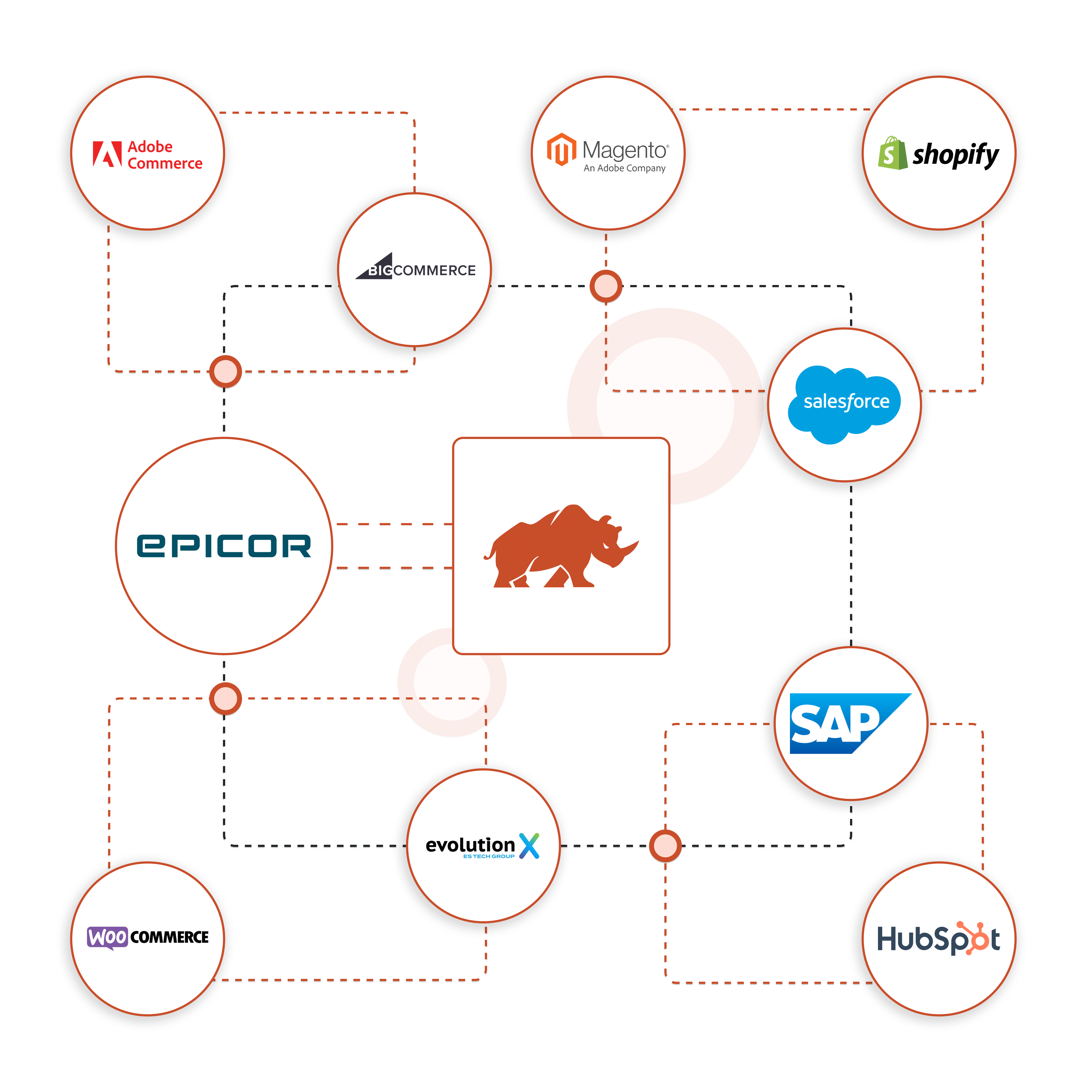



















Connect your existing business systems to your Epicor ERP with DCKAP Integrator and increase operational efficiency and profitability.
Take your distribution management to the next level and provide a hassle-free ERP integration that just works.
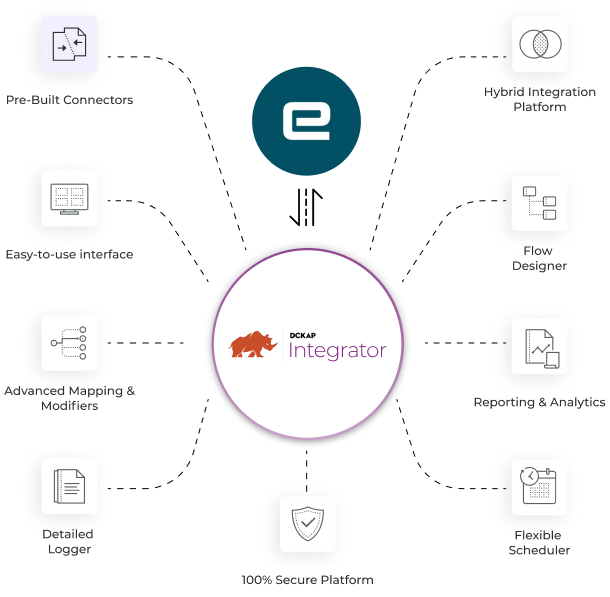
Integrate your Epicor ERP with any other application using DCKAP Integrator’s pre-built connectors.
Eliminate data silos and connect multiple applications whether they are embedded, on-premise, on cloud, or hybrid
Enjoy the simple, low-code interface with drag-and-drop functionality of DCKAP Integrator.
Eliminate the headaches of setting up and deploying Epicor integrations.
Set up complex data transfers and field connection logic with no issues.
View robust analytics and sales forecasts in interactive, user-friendly dashboard.
Track every data transfer and issue in real-time. For failed transactions and other issues, use our built-in debugging features to make identifying and fixing the issue simple.
Decide when and how often your systems communicate with your Epicor ERP, whether that’s a set schedule or real-time.
Take comfort in knowing you are working with a platform that invests in building and maintaining a fully secure platform with encrypted transactions.

DCKAP Integrator takes an ERP-first approach, and can integrate any business system with any of Epicor’s ERPs — including Epicor Prophet 21 Epicor Kinetic, Epicor Eclipse, Epicor BisTrack and more. An Epicor integration helps connect all of the different software your company uses, so it can share information and work together.
An ERP-first integration approach ensures the ERP is at the heart of all business data. By connecting critical business systems with the ERP, this approach prevents data silos and ensures the ERP is equipped to be a reliable, single source of truth for the business.
We integrate some biggest names in the industry, including Salesforce, SAP, Adobe, Sage, Infor, Oracle, BigCommerce, Shopify, Acumatica, and Microsoft. Whether you are looking to sync data from your ecommerce platform, ERP, EDI, PIM, CRM, or WMS with your ERP.
An ERP developer and an ERP system integrator both work with ERP systems, but they have different roles and responsibilities.
An ERP developer is a software developer who specializes in designing, building, and maintaining ERP systems, like Epicor. Their primary responsibilities include creating custom modules, features, or extensions to meet the specific needs of a business. They may also be responsible for fixing bugs, improving system performance, and ensuring that the ERP system is up to date with the latest technology and security standards.
On the other hand, an ERP system integrator focuses on connecting the ERP system with other software applications or systems used by a business. Their primary goal is to ensure seamless data flow and communication between these different systems, helping the business operate more efficiently and effectively.
This can include, but is not limited to defining your specific business requirements and thoroughly vetting potential integrators to evaluating their experience, agreeing on project specs, and ensuring ongoing support and maintenance.
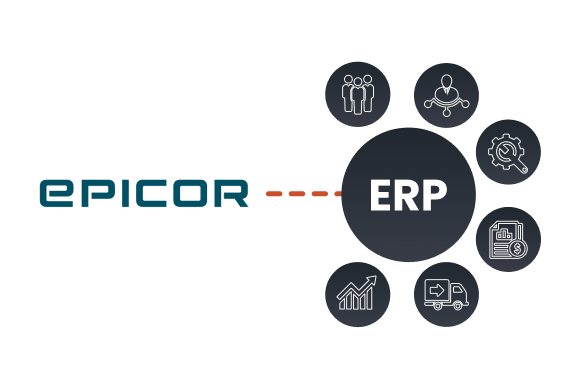
ERP (Enterprise Resource Planning) systems help you to transform, integrate and scale your business. Due to this expanding scope of functionality in ERP systems, it is not enough if you don’t have your ERP application integrated with other business platforms like eCommerce or CRM, especially if you are a retailer, distributor or manufacturer. So, let’s look into why ERP Integration is needed for your business and everything else with respect to ERP Integration.
With an integration of Epicor and HubSpot, the cloud-based system gets automated for various workflows. In simple steps, organizations can get Epicor Eclipse Integrator with DCKAP Integrator. Here is an in-depth guide on how to integrate HubSpot and Epicor.


Salesforce Epicor Eclipse integration is a powerful combination of CRM and ERP systems that can be used to streamline operations and maximize efficiency. However, setting up the integration can be a daunting task for those who are unfamiliar with the process. Here is an in-depth guide on how to integrate Salesforce Epicor Eclipse quickly and securely.
© Copyright 2026 DCKAP Technologies Inc.

