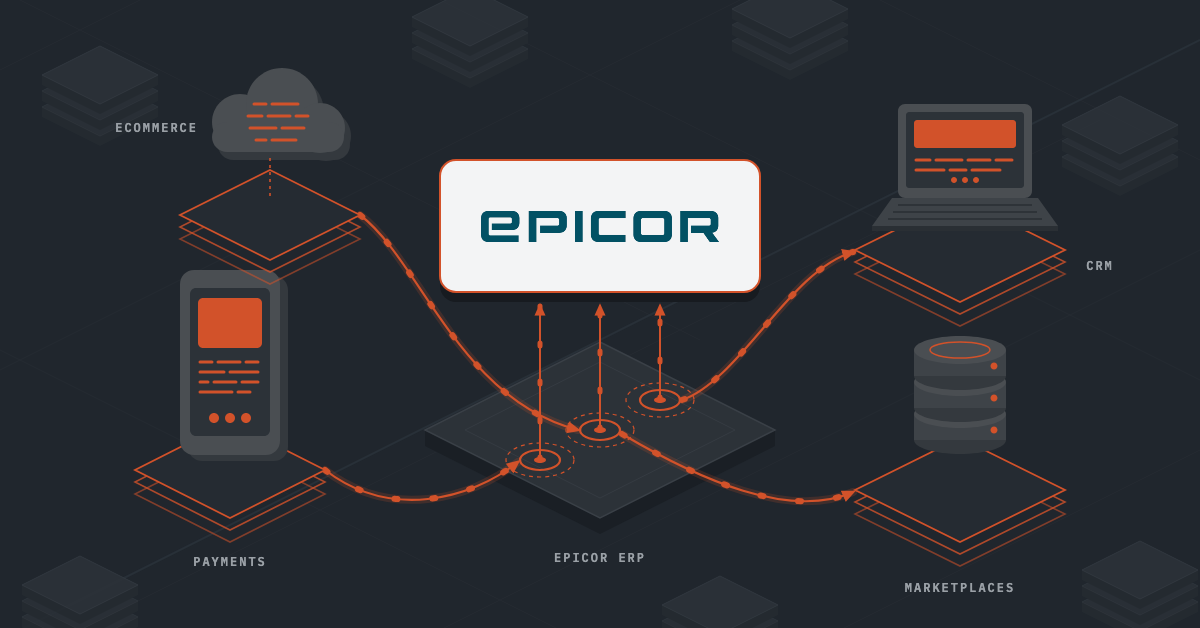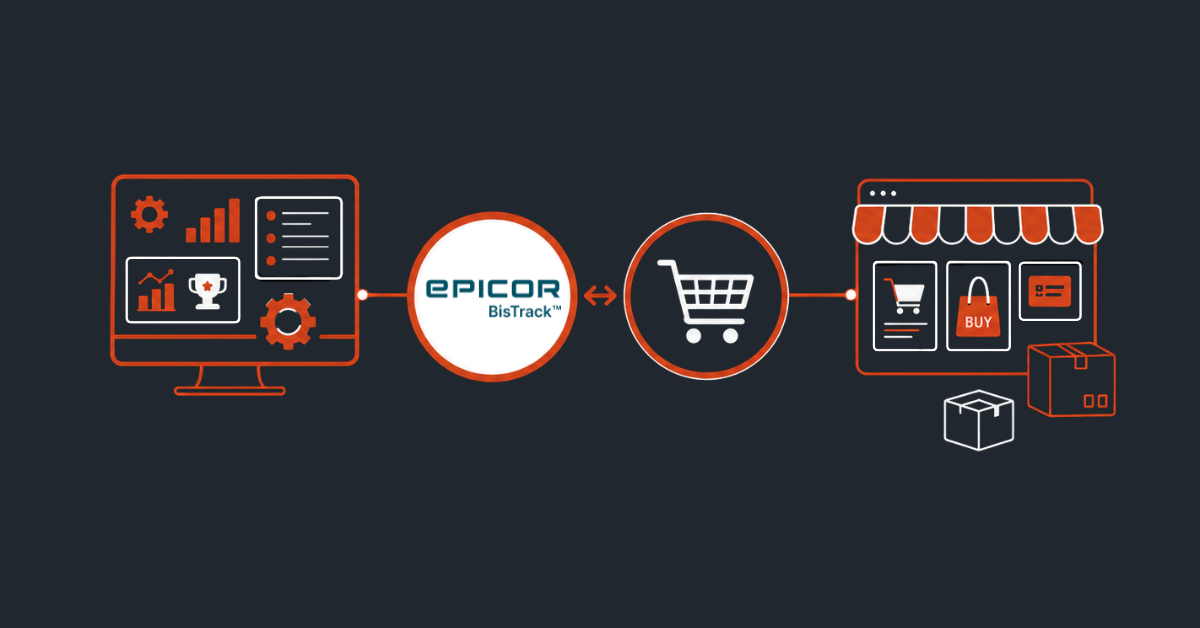
Your ERP might be the heart of your business, but it’s only as effective as the systems connected to it. If your ecommerce store isn’t sharing data with Epicor BisTrack, your team ends up filling the gaps manually by re-entering orders, correcting inventory, and answering customer calls that could have been avoided.
Epicor BisTrack ecommerce integration changes that. It creates a connected experience where products, pricing, inventory, customers, and orders stay in sync, helping your business operate faster and more efficiently.
Different Ways to Connect Epicor Bistrack With Your eCommerce Store
1. Native Epicor solutions
If you’d rather stay within the Epicor ecosystem, there are a few native options to choose from.
- Epicor Automation Studio: This is Epicor’s low-code automation platform powered by Workato. It lets you build workflows using pre-built recipes instead of writing a lot of code, making it a good fit for businesses that want to automate integrations with minimal development effort.
- Bistrack Web API: If you need more control or real-time, API-driven integrations, the BisTrack Web API is the better choice. It gives developers direct access to BisTrack through REST APIs and also includes Smart Views for retrieving custom datasets when required.
From a technical perspective, Automation Studio usually requires someone comfortable with low-code workflow tools or Epicor administration, while the BisTrack Web API is better suited for developers familiar with REST APIs, JSON, and the BisTrack data model.
| Note: If your online store is built on Adobe Commerce (Magento), Epicor Commerce Connect (ECC) is another choice. It’s an ecommerce solution built by Epicor with a connector to BisTrack already included, so you get features like customer accounts, live inventory, and contract pricing out of the box. However, ECC only works with Magento-based stores. If you’re using Shopify Plus, BigCommerce, or any other ecommerce platform, ECC isn’t an option. |
2. Third-party integration middleware (iPaaS)
Another common approach is using middleware such as DCKAP Integrator, Jitterbit, or Celigo. Instead of connecting your storefront directly to BisTrack, the middleware sits in between and handles all the data mapping, transformations, scheduling, retries, and monitoring.
This approach is especially useful when you have more complex B2B requirements, like unit-of-measure conversions, contract pricing, or branch-specific inventory. One advantage is that most iPaaS vendors also provide implementation and support services. That means your internal team often just needs to define the business rules, while the integration specialists handle most of the technical work.
3. File-based batch integration
If real-time updates aren’t essential, the BisTrack eBusiness module offers a simpler option. Here, your ecommerce platform exports XML, CSV, or JSON files to an SFTP server or shared folder, and BisTrack imports them on a schedule.
It doesn’t require API development, but someone still needs to manage the file transfers, configure scheduled jobs, and troubleshoot any file formatting issues. So, this approach usually falls under the responsibility of an IT or systems administrator.
4. Custom point-to-point development
The last option is building everything from scratch. With a custom integration, developers create API connections, webhooks, and business logic specifically for your requirements. That gives you complete flexibility, whether you have unique pricing models, specialized workflows, or custom business processes.
The trade-off is maintenance. Every time BisTrack or your ecommerce platform changes, someone needs to update and test the integration, so this option requires the most technical expertise over the long term.
Also read: BigCommerce Salesforce Integration: Methods, Steps & Benefits
What to Consider Before Choosing the Right Integration Method
1. Your ecommerce platform
The platform you choose immediately narrows down your integration options. If you’re using Adobe Commerce (Magento), Epicor Commerce Connect (ECC) is a good option because it’s built specifically for Magento. But if you’re using Shopify Plus, BigCommerce, or another storefront, ECC isn’t compatible. In that case, you’ll typically choose between Epicor Automation Studio, a third-party middleware platform, or the BisTrack Web API.
2. Technical resources
Your in-house technical expertise plays a big role in choosing the right integration approach. If you have a small IT team or limited development resources, a managed middleware platform is often the best choice. The provider can handle implementation, maintenance, monitoring, and even file-based SFTP integrations for you.
If you have developers experienced with REST APIs and the BisTrack data model, a direct Web API integration or custom build offers greater flexibility.
Epicor Automation Studio is a middle ground. It reduces the amount of coding required but still needs some technical expertise to build and manage workflows. Ultimately, choose the approach that best fits your team’s skills, budget, and implementation timeline.
3. Business complexity
Every distributor has unique business processes, so make sure your integration can support yours. For example, if you rely on multiple units of measure, customer-specific pricing, multiple warehouse locations, or complex order and delivery workflows, choose an integration method that can handle those requirements without extensive customization.
4. Long-term cost and scalability
Don’t just compare implementation costs. Think about what it takes to maintain the integration over time. Custom integrations may cost less upfront in some cases, but they often require ongoing development whenever BisTrack or your ecommerce platform changes. Middleware platforms typically involve subscription fees, but they also reduce the maintenance burden by handling connector updates and infrastructure for you.
5. Monitoring and Visibility
No integration is completely error-free. Orders may fail because of invalid SKUs, credit holds, network issues, or API timeouts. That’s why transaction logging is so important. It gives your team complete visibility into every transaction, making it easier to identify failed syncs, retry transactions, and resolve issues before they impact your customers or delivery schedules.
Also read: Business Integration Explained [+Top Tools]
What Data Can Be Synced Between Epicor BisTrack and an eCommerce Stores
Depending on your setup, you can keep almost every part of the buying journey connected. Here’s what you can sync:
Product and catalog data
The most obvious place to start is your product catalog. BisTrack can send product information like SKUs, UPCs, product names, descriptions, categories, brands, and even product images to your online store. It can also sync the units of measure along with minimum order quantities, packaging rules, and pallet requirements.
Inventory and branch availability
Inventory is another key area. You can sync stock levels across multiple branches, calculate what’s actually available after allocations and backorders, and show customers whether an item is in stock, on special order, or has a longer lead time.
Customer accounts and job sites
For B2B organizations, customer data goes beyond basic contact information. You can sync customer accounts, billing details, tax exemptions, credit terms, job sites, delivery locations, and even buyer roles and permissions, so each user sees the right information.
Pricing and commercial terms
One of the biggest advantages of BisTrack ecommerce integration is customer-specific pricing.
Your storefront can display negotiated contract prices, pricing matrices, volume discounts, and promotional pricing directly from the ERP, ensuring every customer sees the price they’ve agreed to.
Orders and quotes
When customers place an order, the details can flow straight into BisTrack, including products, quantities, job sites, purchase order numbers, taxes, freight, and payment information. If your sales process starts with quotes instead of orders, quote requests can also be created directly in BisTrack for your team to review.
Order fulfillment and delivery
The integration can continue after the order is placed. Customers can track order status as it moves from submitted to picked, shipped, delivered, and invoiced. You can also sync delivery windows, tracking details, and proof of delivery when needed.
Invoices and account self-service
Many B2B businesses also let customers access their account online. That includes viewing invoices, checking outstanding balances, downloading statements, reviewing payment history, and making payments that automatically update BisTrack.
Also read: Product Data Sync: Everything You Need To Know
How Epicor BisTrack eCommerce Integration Impacts Your Business
Integrating Epicor BisTrack with your ecommerce business does more than connect two systems. It helps automate key business processes, improves the customer experience, and makes your operations more efficient.
Eliminates manual work
Instead of manually entering online orders into BisTrack, orders flow directly into the ERP system. This reduces data entry errors, saves time, and allows your sales team to focus on customers rather than administrative tasks.
Delivers a better B2B buying experience
An integrated storefront gives customers 24/7 access to customer-specific pricing, real-time inventory, order history, invoices, and account information. That makes it easier for them to place repeat orders and manage their accounts without contacting your team.
Improves order accuracy
Integration helps ensure the right products, pricing, quantities, units of measure, and customer details flow into BisTrack automatically. This reduces order errors, shipping mistakes, and unnecessary rework.
Improves cash flow
By syncing invoices, payments, and credit information, customers can view outstanding balances and make payments online, while credit checks can happen automatically before an order is placed. This helps speed up collections and reduce payment delays.
Speeds up order fulfillment
Orders arrive in BisTrack with all the information your team needs, including customer details, delivery locations, shipping preferences, and order instructions. That helps warehouse and dispatch teams process orders faster and more accurately.
Keeps pricing and inventory up to date
Any changes to pricing, inventory, or product information in BisTrack can be reflected on your storefront automatically. This helps prevent overselling, pricing discrepancies, and outdated product information, while ensuring customers always see the latest data.
Also read: Epicor ERP Integration [Methods, Types & Case Study]
Common Integration Challenges and How to Overcome Them
No integration is without challenges. The key is to identify them early and choose an approach that can handle your business requirements without adding unnecessary complexity.
Challenge: Complex pricing and product data
- The problem: Many distributors have customer-specific pricing, multiple units of measure, product variants, or other business rules that standard ecommerce integrations don’t support well.
- The solution: Choose an integration platform that can handle pricing logic, units of measure, and data transformations before the information reaches BisTrack. This ensures customers always see accurate pricing and product information.
Challenge: Complex customer and order workflows
- The problem: B2B orders often involve multiple buyers, customer-specific accounts, delivery locations, purchase order numbers, approval workflows, and credit terms. Most ecommerce platforms don’t support these processes out of the box.
- The solution: Use a B2B-ready storefront and configure your integration to synchronize customer accounts, delivery locations, credit information, and other business-specific workflows with BisTrack.
Challenge: Inventory visibility across locations
- The problem: If you manage inventory across multiple warehouses or branches, showing generic inventory levels can lead to stock discrepancies and fulfillment delays.
- The solution: Sync location-specific inventory and available-to-promise quantities so customers always see accurate stock availability based on their preferred fulfillment location.
Challenge: Performance and real-time synchronization
- The problem: Constant API calls for pricing, inventory, or customer data can impact website performance, especially during periods of high traffic.
- The solution: Use a combination of real-time APIs and scheduled synchronization. Keep time-sensitive data like inventory and pricing live, while syncing larger datasets, such as product catalogs, on a schedule.
Challenge: Failed integrations and data errors
- The problem: Network issues, validation errors, or API failures can interrupt data synchronization, causing orders or updates to fail without anyone noticing.
- The solution: Choose an integration platform with transaction logging, automated retries, and monitoring. This gives your team visibility into every transaction, making it easy to identify issues, retry failed syncs, and resolve problems before they impact customers.
Streamline Epicor BisTrack eCommerce Integration with DCKAP Integrator
If you’re looking for a solution that’s built specifically for distributors and manufacturers, DCKAP Integrator is worth considering.
It’s an ERP-first integration platform that keeps Epicor BisTrack at the center, making it easier to connect your ecommerce store with the rest of your business systems. Instead of relying on multiple custom integrations, you manage everything through a single platform.
With extensive experience integrating Epicor ERP solutions, DCKAP Integrator can handle common challenges like customer-specific pricing, inventory management, data mapping, and order automation, while giving your team visibility through transaction logging, monitoring, and automated retries.
Interested in seeing how it works? Get in touch with our team to learn how DCKAP can seamlessly connect Epicor BisTrack ERP with your ecommerce platform and help you build a scalable, future-ready integration.
FAQs
How does Epicor BisTrack integration improve operational efficiency?
By automating data flow between your ERP (Enterprise Resource Planning), ecommerce site, CRM, and other operational systems, Epicor BisTrack integration reduces manual updates, minimizes errors, and helps streamline operations. This improves operational efficiency while allowing teams to focus on more strategic work.
How does ERP-connected ecommerce improve online sales?
ERP-connected ecommerce keeps inventory, pricing, product information, and customer orders synchronized in real time. This improves the user experience, increases customer confidence, and helps drive more online sales while maintaining a single source of truth across your business.
What are the best practices for Epicor BisTrack integration?
Some of the most important best practices include choosing the right integration method, automating data synchronization, minimizing manual processes, implementing transaction logging, and ensuring your core business systems stay connected through a reliable ERP integration platform.
How do I choose the right Epicor BisTrack integration partner?
Look for a partner with a proven track record in Epicor ERP integration, experience connecting business management solutions with ecommerce platforms, and expertise in supporting distributors.
What are the other popular ERP software used by distributors besides Epicor BisTrack?
Some of the modern ERPs other than Epicor BisTrack, are Epicor Prophet 21, Infor M3, Microsoft Dynamics 365 Business Central, Microsoft Dynamics 365 Finance & Supply Chain, Oracle NetSuite, SAP Cloud ERP, and Acumatica.