Modern B2B buyers want an Amazon-like experience: 24/7 self-service, real-time inventory visibility, instant shipment tracking, and accurate contract pricing.
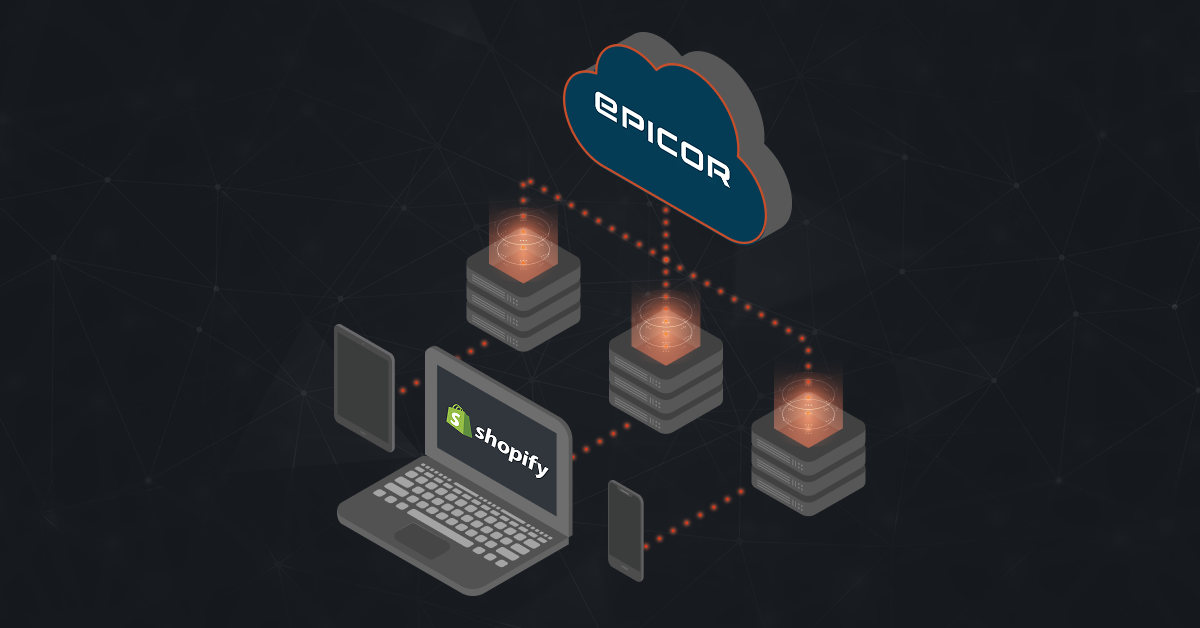
Delivering that experience isn’t possible when your Shopify store and Epicor Kinetic ERP operate in silos. They need to work together as a single, connected system. In this guide, we’ll explore everything you need to know about Epicor Kinetic Shopify integration.
Methods of Integrating Epicor Kinetic with Shopify
When connecting your storefront to your ERP, the method you choose depends on your technical infrastructure, data complexity, and business model. Here are three primary approaches to structuring these workflows.
1. Native Epicor Integration
Epicor provides two built-in integration options:
- Automation Studio by Workato: A low-code tool with prebuilt Shopify connectors for syncing orders, inventory, and customers. Best for simple cloud integrations.
- Epicor Integration Cloud (EIC) by Jitterbit: Designed for complex enterprise integrations. Best for hybrid (cloud + on-premises) environments, advanced data transformations, and businesses with strict security or compliance requirements.
2. Custom API Integration
A custom integration uses Epicor Kinetic’s REST APIs and Shopify’s REST or GraphQL APIs to build a direct connection tailored to your business processes. It offers complete flexibility, allowing developers to create workflows that standard connectors cannot support.
The trade-off is higher development time and ongoing maintenance. Since your team owns the code, updates to either Epicor or Shopify may require changes to keep the integration running smoothly.
3. Third-Party Integration Platforms
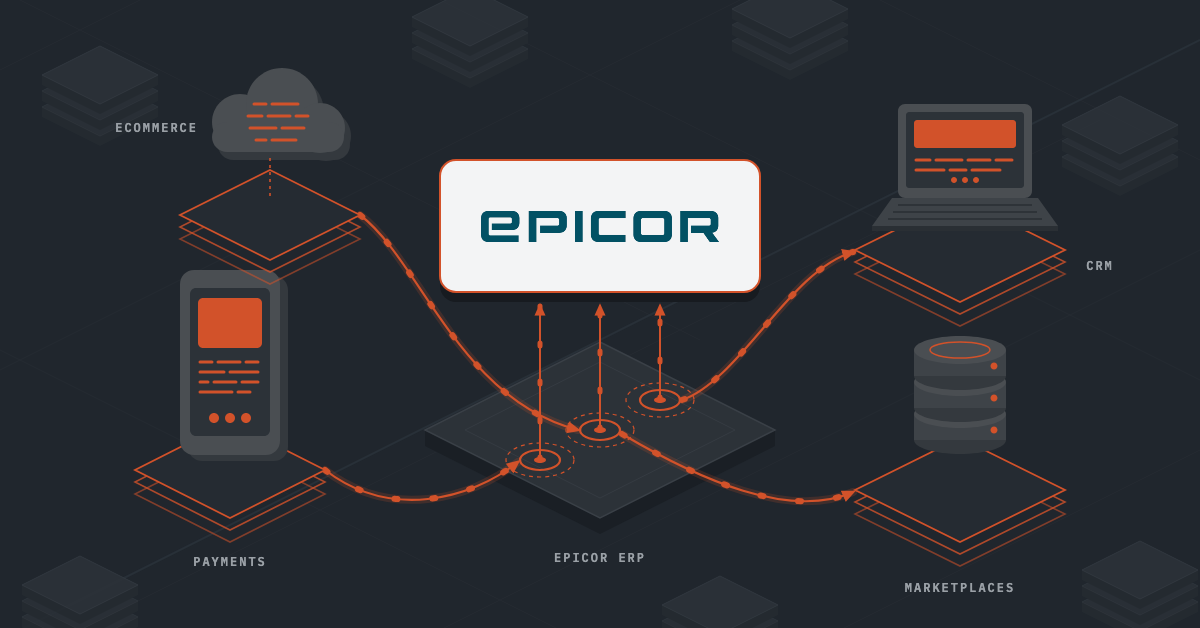
If your business logic requires data routing outside of Epicor’s native toolset, independent middleware platforms offer a highly flexible alternative. The middleware sits between the Shopify API and the Epicor REST API, moving data based on visual mapping rules configured by an administrator or integration partner.
These platforms excel at centralizing multiple integrations. Crucially, they feature independent Transaction Logging. If an automated B2B web order fails to sync because a customer skipped a mandatory field, your IT team can instantly view the exact data payload error in the middleware dashboard and resolve it without digging into the ERP’s internal database logs.
This approach is highly effective for mapping complex B2B data structures. It can seamlessly bind Epicor’s multi-tiered customer master accounts (parent/child accounts, unique credit limits, and negotiated contract price lists) directly to Shopify B2B Company Profiles and custom price sheets.
Also read: Epicor Kinetic User Guide: Features + Use Cases
Key Workflows to Streamline Between Shopify and Epicor Kinetic
Epicor Kinetic Shopify integration automates the flow of data between your online store and ERP, reducing manual work, improving accuracy, and keeping operations synchronized. Here are the core workflows to automate:
1. Order-to-Cash Workflow
When a customer places an order on Shopify, the integration automatically creates a matching sales order in Epicor Kinetic with customer, shipping, tax, and order details.
If the product is in stock, the order is sent to the warehouse for fulfillment. For make-to-order items, Epicor can automatically trigger production planning, eliminating manual processes.
2. Inventory Synchronization
Epicor Kinetic serves as the primary source for inventory, continuously updating Shopify with accurate stock levels. This prevents overselling and can sync inventory across multiple warehouses or locations, ensuring customers only purchase available products.
3. B2B Pricing and Contract Management
Customer-specific pricing, volume discounts, and contract rates stored in Epicor are synchronized with Shopify B2B accounts.
Wholesale customers automatically see their negotiated prices and catalogs when they log in, creating a personalized customer experience.
4. Shipment and Tracking Updates
Once an order is shipped in Epicor ERP, tracking information is automatically sent to Shopify. The order status is updated to Fulfilled, and customers receive tracking notifications without manual updates.
5. Returns and Refund Processing
Returns initiated through Shopify can automatically generate Return Material Authorization (RMA) records in Epicor. After the returned item is received and inspected, inventory, financial records, and customer refunds are updated across both systems.
6. Product Catalog Synchronization
New products or updates made in Epicor including SKUs, pricing, specifications, and product attributes are automatically reflected in Shopify. This keeps your online catalog accurate while eliminating manual product data entry.
7. B2B Credit Limit and Payment Terms
During checkout, Shopify can verify a customer’s credit status and available credit limit directly from Epicor.
Approved customers can purchase using payment terms such as Net 30, while customers exceeding their credit limits can be required to pay immediately.
8. Customer Account and Tax Exemption Sync
Epicor customer accounts, company hierarchies, and tax exemption status can be synchronized with Shopify B2B profiles.
This ensures corporate buyers have the correct permissions, pricing, and tax settings automatically applied during checkout.
Benefits of Epicor Kinetic Shopify Integration
As order volumes grow, managing disconnected systems becomes increasingly challenging. An Epicor Kinetic Shopify integration keeps your eCommerce platform and ERP in sync, allowing your business to scale efficiently without increasing operational complexity. Here’s exactly what you get
Increase Operational Efficiency
By eliminating manual data entry and repetitive administrative tasks, your team can process more orders without increasing headcount. This allows manufacturers and distributors to handle growing demand while keeping operating costs under control.
Reduce Costly Errors
Accurate synchronization of orders, inventory, pricing, and customer information minimizes shipping mistakes, duplicate entries, and incorrect order fulfillment. Fewer errors mean lower operational costs, fewer returns, and stronger customer relationships.
Deliver a Better B2B Buying Experience
Business customers expect quick access to pricing, inventory, and order information. An integrated system enables faster purchasing, self-service ordering, and a more consistent buying experience, helping improve customer satisfaction and retention.
Improve Inventory Control
Real-time inventory visibility helps manufacturers and distributors make better purchasing and fulfillment decisions. Accurate stock information reduces overselling, prevents stock shortages, and supports more efficient warehouse operations.
Gain Better Business Visibility
With centralized data and transaction tracking, teams can monitor orders, inventory movements, and fulfillment activities more effectively. This improves decision-making, simplifies troubleshooting, and provides greater control over day-to-day operations.
Support Business Growth
An Epicor Kinetic Shopify integration creates a scalable foundation for growth by automating core business processes. As order volumes, product catalogs, or customer accounts increase, your business can expand without significantly increasing administrative workload.
Also read: Shopify Salesforce Integration Explained [+Mistakes To Avoid]
Common Epicor Kinetic Shopify Integration Challenges (and How to Solve Them)
Connecting Shopify with Epicor Kinetic isn’t always straightforward. The two platforms are built for different purposes. Shopify is designed for fast online selling, while Epicor manages complex business operations. Because of this, businesses often face a few integration challenges. The good news is that with the right approach, these issues can be solved before they affect your operations.
1. Managing Complex B2B Pricing
- Challenge: Businesses often have customer-specific pricing, contract rates, and volume discounts stored in Epicor. Trying to sync every pricing rule to Shopify can slow down the integration and even hit API limits.
- Solution: A better approach is to retrieve pricing only when it’s needed. Instead of syncing every price, the integration checks Epicor in real time when a customer logs in or reaches checkout, ensuring they always see the correct pricing without slowing down the system.
2. Unit of Measure (UOM) Mismatches
- Challenge: Many manufacturers sell products by boxes, pallets, rolls, or cases, while Shopify typically assumes products are sold as individual units. Without proper mapping, customers may order one box, but the warehouse could interpret it as one individual item.
- Solution: The solution is to map Shopify products to the correct selling units in Epicor and validate order quantities before checkout. This helps prevent fulfillment mistakes and unnecessary returns.
3. Inventory Differences Across Warehouses
- Challenge: Epicor tracks much more than available stock. It also considers allocated inventory, work-in-progress items, safety stock, and inventory across multiple warehouse locations.
- Solution: Instead of syncing the total inventory count, the integration should only send inventory that is actually available for online sales. This prevents overselling while maintaining accurate inventory across all sales channels.
4. Credit Limit Validation for B2B Customers
- Challenge: Many distributors allow customers to purchase on payment terms such as Net 30 or Net 60. Without validation, customers who are over their credit limit or on credit hold could still place orders online.
- Solution: A real-time credit check during checkout solves this problem. The integration verifies the customer’s account in Epicor before allowing payment on account, protecting your business from unnecessary financial risk.
5. Tracking Integration Errors
- Challenge: Even the best integrations occasionally encounter issues, whether it’s invalid customer information, missing data, or temporary API failures. If these errors go unnoticed, they can delay orders and create operational problems.
- Solution: Transaction logging makes troubleshooting much easier. Every sync is recorded, and if something fails, your team can quickly identify the issue, fix it, and keep the rest of the integration running without interruption.
Enjoy Hassle-Free Epicor Kinetic Shopify Integration with DCKAP Integrator
While there are many ways to connect Shopify to your ERP, choosing a generic, one-size-fits-all integration tool usually leads to major headaches. Distributors have unique needs that standard tools simply do not understand. That is where DCKAP Integrator comes in.
DCKAP Integrator is a top-tier, ERP-First integration platform built from the ground up specifically for distributors and manufacturers. It acts as the perfect bridge to link your Shopify storefront with Epicor Kinetic without the usual stress, delays, or coding nightmares.
Here is why DCKAP Integrator is the ideal choice for your business:
Built Specifically for Distributors
Most integration tools on the market try to serve every industry, from fashion boutiques to retail shops. DCKAP Integrator is different. It was created with a clear purpose: to solve the exact daily problems that industrial distributors face. It comes ready to handle complex distribution realities right out of the box, including:
- Multi-tiered customer contract pricing
- Unit of Measure (UOM) conversions
- Real-time credit limit checks at checkout
- Multi-warehouse inventory tracking
ERP-First Approach
In a complex distribution, your ERP system must be the ultimate source of truth for your business. DCKAP Integrator is built on an ERP-first philosophy, meaning it treats Epicor Kinetic as the absolute single source of truth for your data. Instead of trying to force Shopify to handle complex business rules it wasn’t built for, DCKAP Integrator ensures that your existing Epicor logic including your inventory counts, customer tier hierarchies, and financial rules, seamlessly governs your customer-facing storefront. This approach protects your data integrity and prevents system conflicts.
Deep Expertise with Epicor Kinetic
Epicor Kinetic is a powerful but highly complex system. You cannot trust your core business data to an integration platform that doesn’t understand Epicor’s specific architecture. DCKAP has years of deep, hands-on experience working directly with Epicor products. They understand exactly how Kinetic handles data fields, order entries, and inventory levels. Because they know the system inside and out, they can map your data quickly and correctly the first time.
Total Visibility and Peace of Mind
One of the biggest fears during an integration is data going missing. DCKAP Integrator removes this worry with its advanced Transaction Logging dashboard. If an order ever fails to sync because a customer typed in an invalid address, the platform doesn’t crash or hide the mistake. It flags the error clearly on your dashboard, shows your IT team exactly what went wrong, and lets you fix it with a few simple clicks.
If you want a seamless integration that just works without the finger-pointing between software vendors or months of custom coding, DCKAP Integrator gives you a reliable, hassle-free rollout designed specifically for the distribution industry. Get in touch with us to know more.
FAQs
Can Epicor Commerce Connect be used instead of a Shopify integration?
Not exactly. Epicor Commerce Connect is Epicor’s own B2B eCommerce platform, designed to work directly with Epicor ERP. Rather than connecting Shopify to Epicor, it provides its own storefront with built-in ERP integration for manufacturers, distributors, and wholesalers. If your business has already invested in Shopify, Epicor Commerce Connect isn’t a replacement or connector. Instead, you’ll need a dedicated Shopify Epicor integration using Epicor’s native integration tools, middleware, or a custom API solution to synchronize orders, inventory, customers, and pricing between the two platforms.
Why is ERP integration important for eCommerce businesses?
An effective ERP integration ensures that your online store and enterprise resource planning system work together. This helps manufacturers and distributors keep inventory, pricing, customer information, and financial records accurate while streamlining daily ecommerce operations.
What should businesses consider before implementing an integration?
Before starting, identify your integration goals, data requirements, and long-term business needs. Following integration best practices, choosing a robust platform, and working with an experienced support team that provides ongoing support will help ensure a successful implementation.
Which kind of integration is the right choice?
The right choice depends on your business needs, technical environment, and long-term goals. Some organizations benefit from a low-code integration platform, while others require a robust integration or a fully customized approach. Choosing the right kind of integration ensures better scalability and easier maintenance.
What are the most common use cases for an Epicor Kinetic Shopify integration?
Common use cases include synchronizing inventory and pricing, automating order processing, updating customer records, managing B2B pricing, improving fulfillment, and connecting finance, warehouse, and sales operations into one streamlined workflow.